

3D Silicone Badges
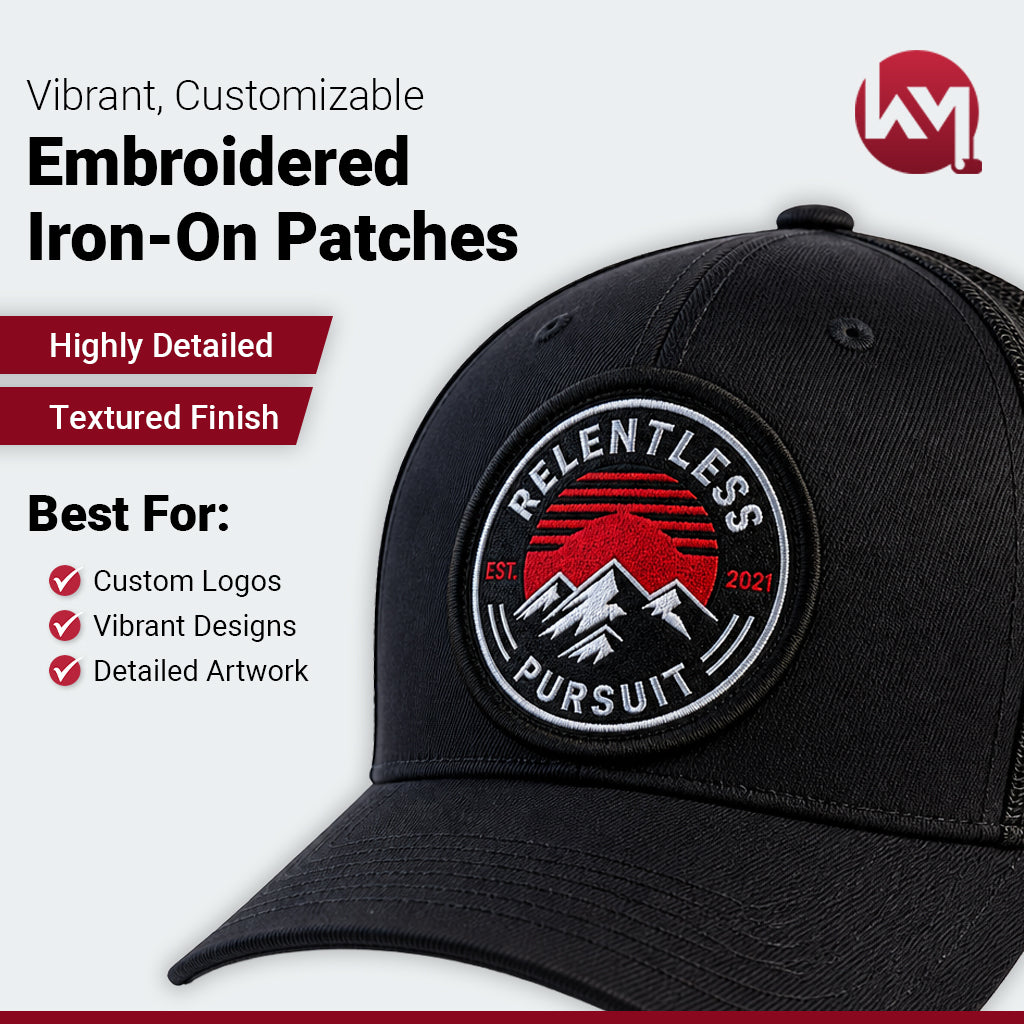
Our 3D badges are made with a silicone base; by printing your artwork with a raised effect, this will elevate your brand to new heights!
$0.00
Unit price
/
Unavailable
Couldn't load pickup availability
How to Press 3D Silicone Badges
Step 1 - Position Your Patch
- Place the patch on the desired location of the garment.
- For accuracy, secure it with heat-resistant tape to keep it in place.
Step 2 - Prep for Pressing
Lay your garment on the heat press (or ironing board) with the patch face down and touching the bottom plate (or surface).
Step 3 - Cover & Press
- Add a protective guard sheet or parchment paper over the garment to prevent damage.
- Set the heat press/iron to 325°F with hard pressure (70–80 PSI). Press for 20 seconds.
Step 4 - Cool Down
- Wait for the garment to cool for at least 30 seconds, then carefully remove the heat tape.
- Cooling allows the melted glue to solidify and create a strong bond with the fabric.
Step 5 - Remove Thermal Tape
- Once the garment has cooled, carefully remove the Thermal Tape.
- The patch should now be securely attached to the garment.
Step 6 - For Thicker Fabrics (e.g., hoodies):
Flip the garment inside out and press the reverse side of the patch for an additional 20 seconds.